Storefront Lab - Free Steam Capsule Checker
A downloadable tool
Check Steam artwork dimensions before you submit
Use the free online checker, or download the ZIP below for a local copy. Extract all files and open index.html in Chrome or Edge. No installation or checker account is required.
Choose an asset type and select a PNG, JPG or WebP image. Storefront Lab measures its dimensions and shows full and smaller previews on light or dark backgrounds. Your selected artwork stays in your browser.
Limits: 15 MB and 40 megapixels per image. The tool checks dimensions and applicable PNG requirements. It does not resize images, assess artwork rules, or guarantee Steam approval. Review final assets in Steamworks.
Optional paid editor
The free checker works on its own. Storefront Lab Studio is a separate USD 9 one-time download on Gumroad for editing store-page copy and artwork together, keeping local projects, and exporting an HTML preview. Studio is not included in this free download. Gumroad handles its payment and delivery.
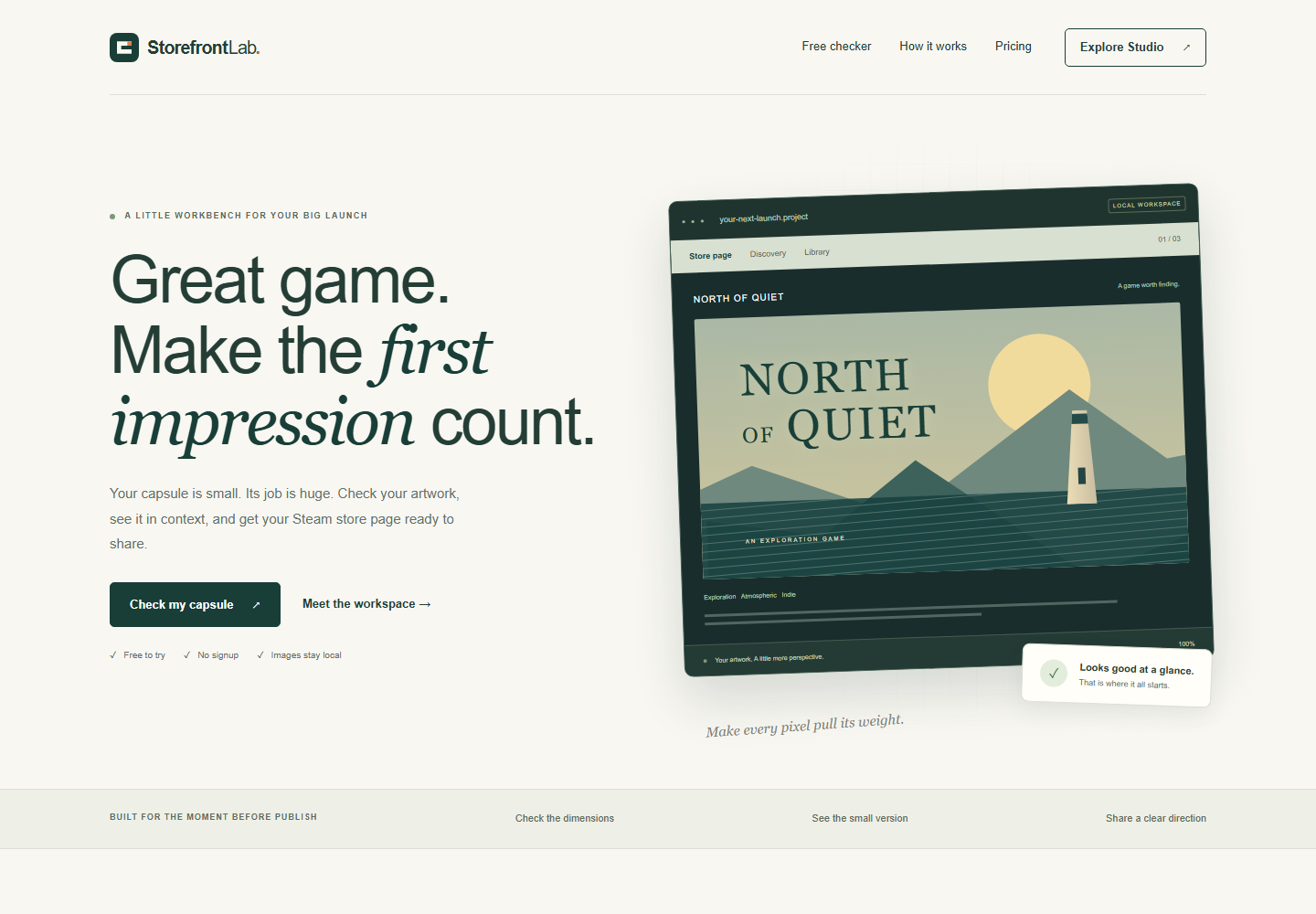
I maintain Storefront Lab. It is independent of Valve. The cover shows the landing page; its illustrated workspace is a concept illustration.
Download
Install instructions
Extract the entire ZIP, then open index.html in Chrome or Edge. Click Check my capsule and choose your image. Keep the files together so the size guide, styling and previews work. The free checker runs locally; online links and the separate Studio purchase require internet access.
Leave a comment
Log in with itch.io to leave a comment.